
Make the input box the hero
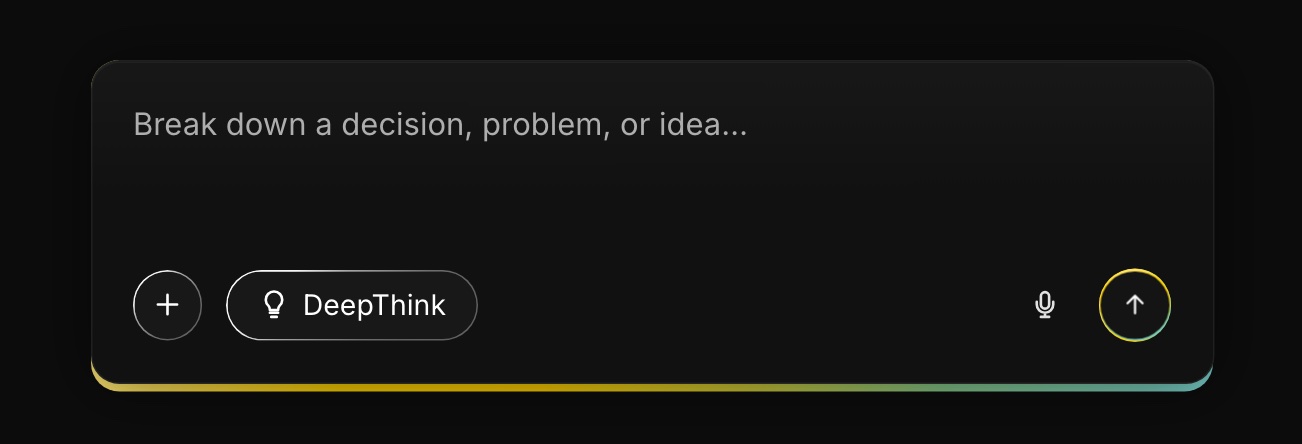
For an AI workspace, the product is the box you type into. So instead of a screenshot of the product, the hero is the composer itself: the first thing you can do on the page is the first thing you’d do in the app.
Honest note: the brands are placeholders and the conversation is a sample. This is a study in tone and layout, not a real product.
Try it, then see it
The whole page is two screens. No features grid, no pricing, no testimonials: one place to type and one example of a good answer.
Every detail tells you what to do next
 123
123- 1The placeholder is a prompt, not a label: “Break down a decision, problem, or idea…” tells you what to type.
- 2DeepThink is a visible toggle, so slower, deeper reasoning is your choice, not a hidden setting.
- 3The only colour on the page: a yellow-to-teal line under the composer that draws the eye to where you type.
Show one answer instead of ten features
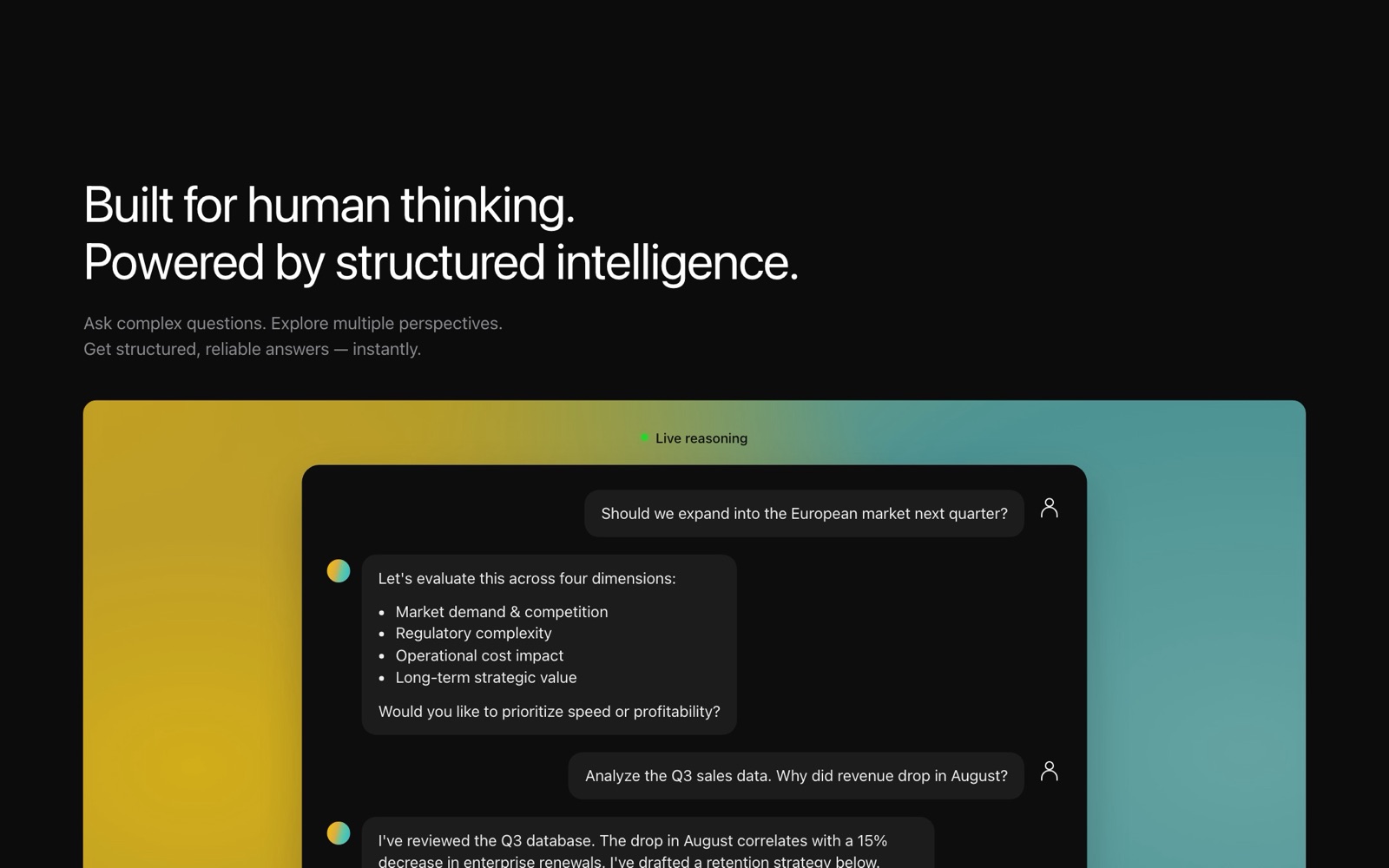
The second section is a single conversation. The answer breaks the question into four dimensions, then asks the user what matters more. That follow-up question is the product’s personality.
 12
12- 1“Live reasoning” with a green dot frames it as something happening, not a static mockup.
- 2A structured answer, then a question back: “speed or profitability?” The product helps you think rather than thinking for you.
Choreographed so your eye lands on the input last
The entrance takes under two seconds. Small things arrive first, the headline rises line by line, and the composer and its glow come in last, so the final thing you notice is the place to type. Everything turns off for people who prefer reduced motion.
Restraint as the brand
Near-black, white type and one gradient. The gradient appears in exactly two places, the composer line and the demo backdrop, so it always means “this is the product”.
66px · −0.021em
52.8px · −0.02em
20.7px · #9E9E9E
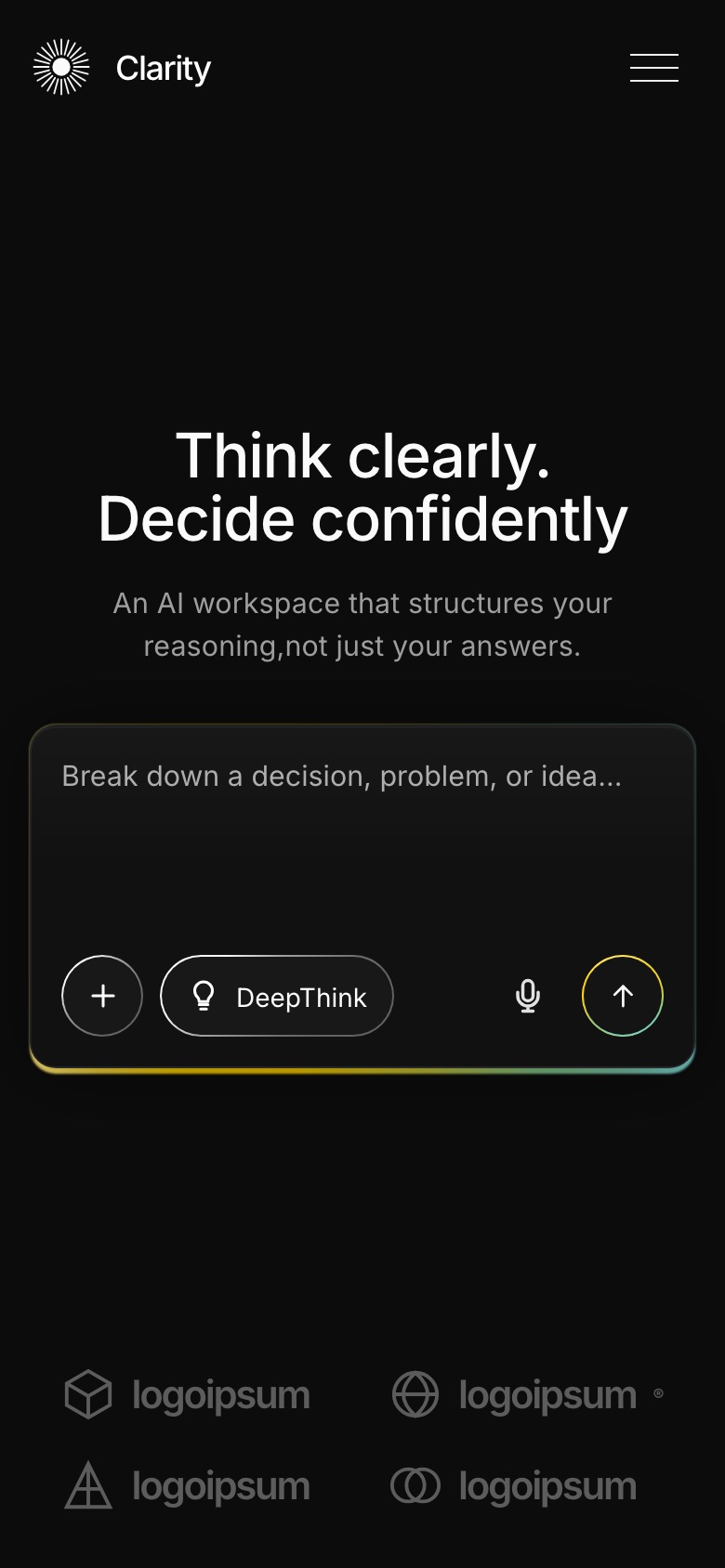
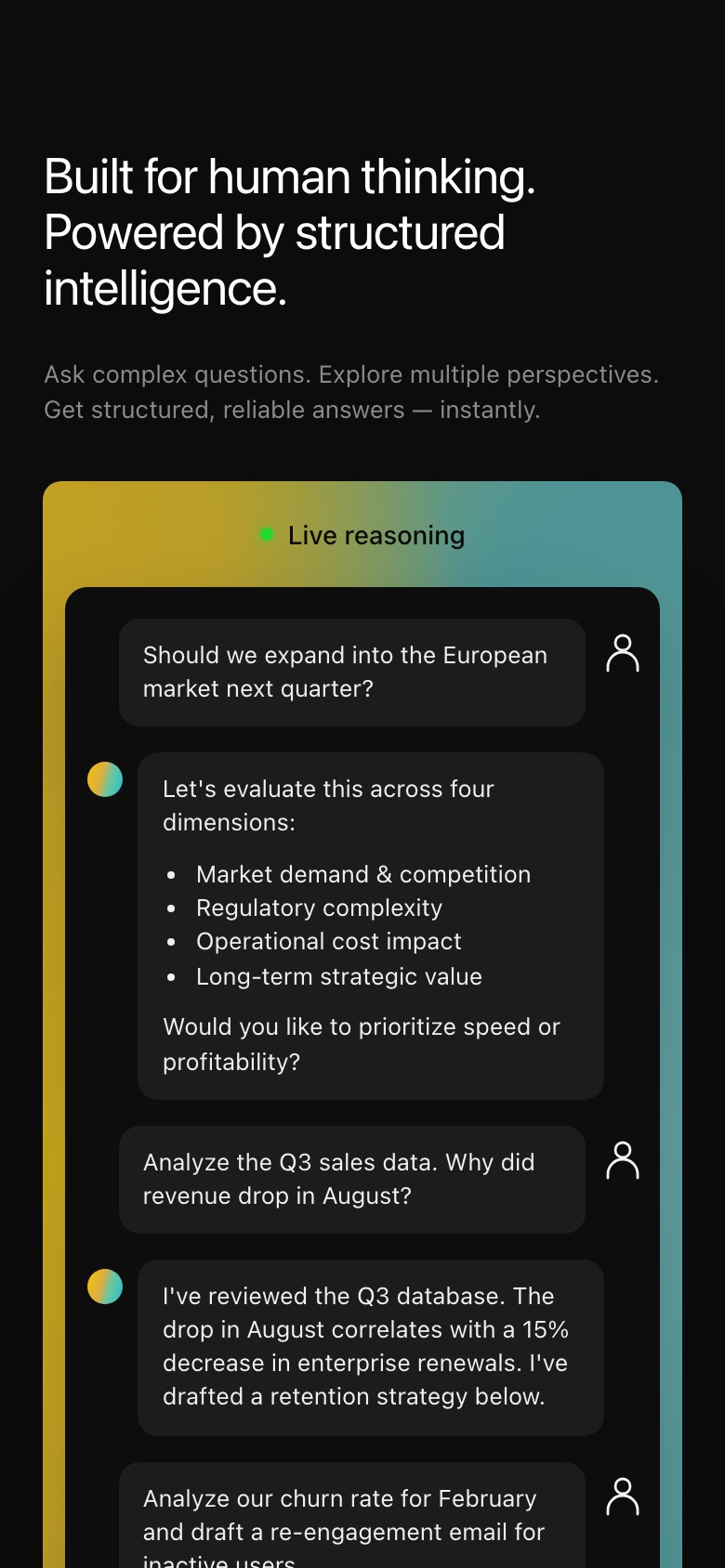
Still two sections on a phone
If this were a real product
- Whether people understand what “DeepThink” does without a tooltip.
- How many visitors type into the hero composer compared with clicking “Try the demo”.
- The states I skipped: empty answers, slow responses and errors.